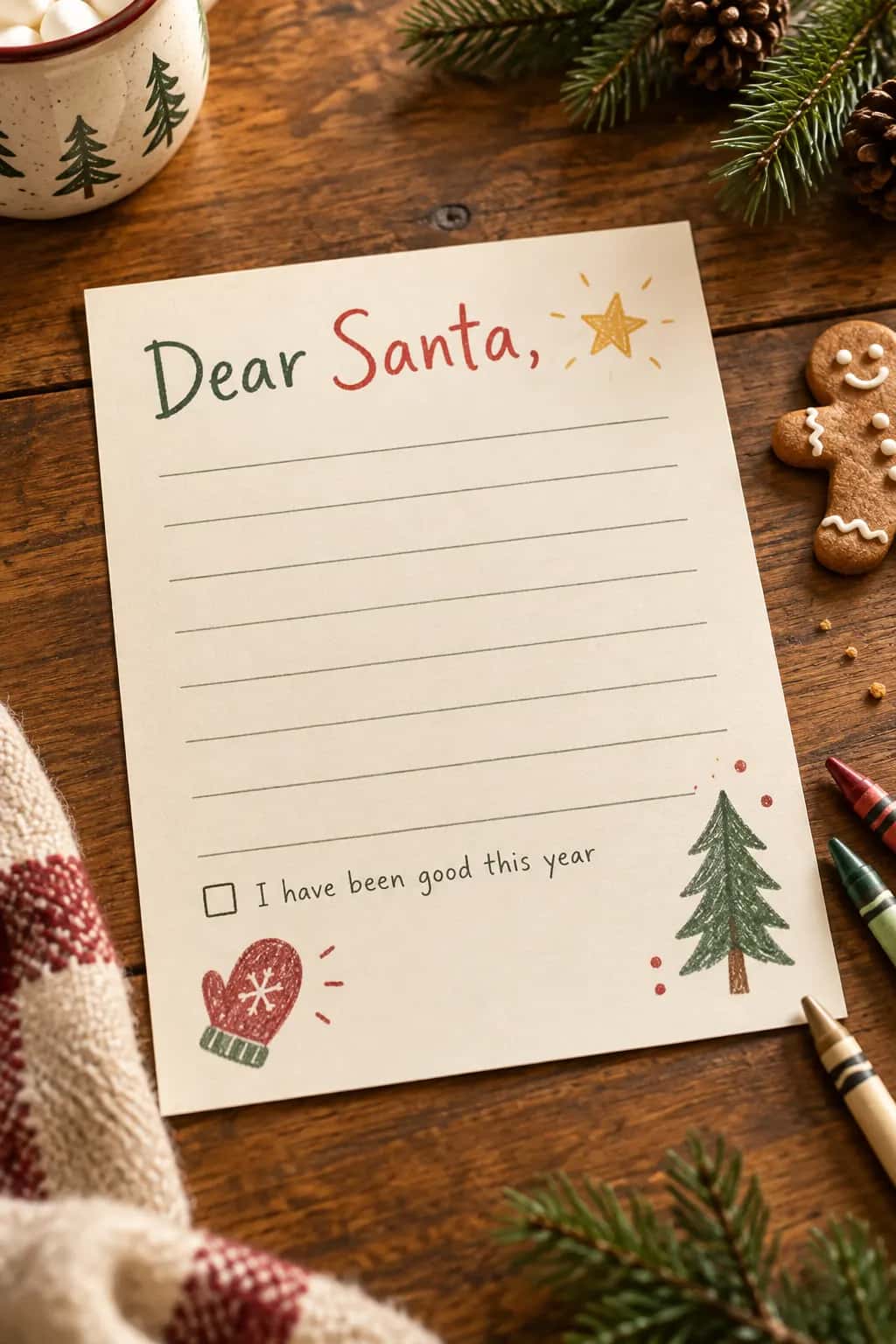
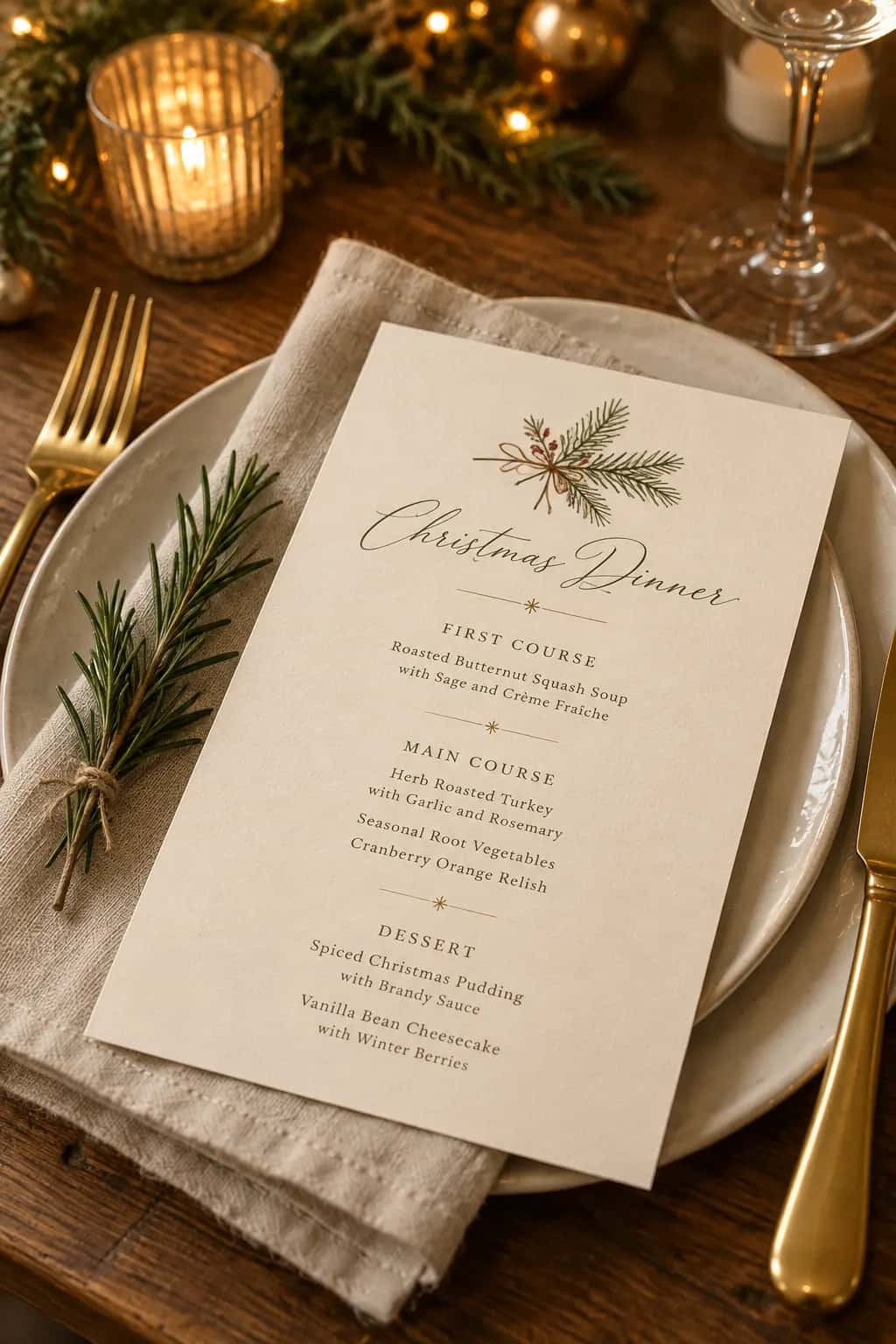
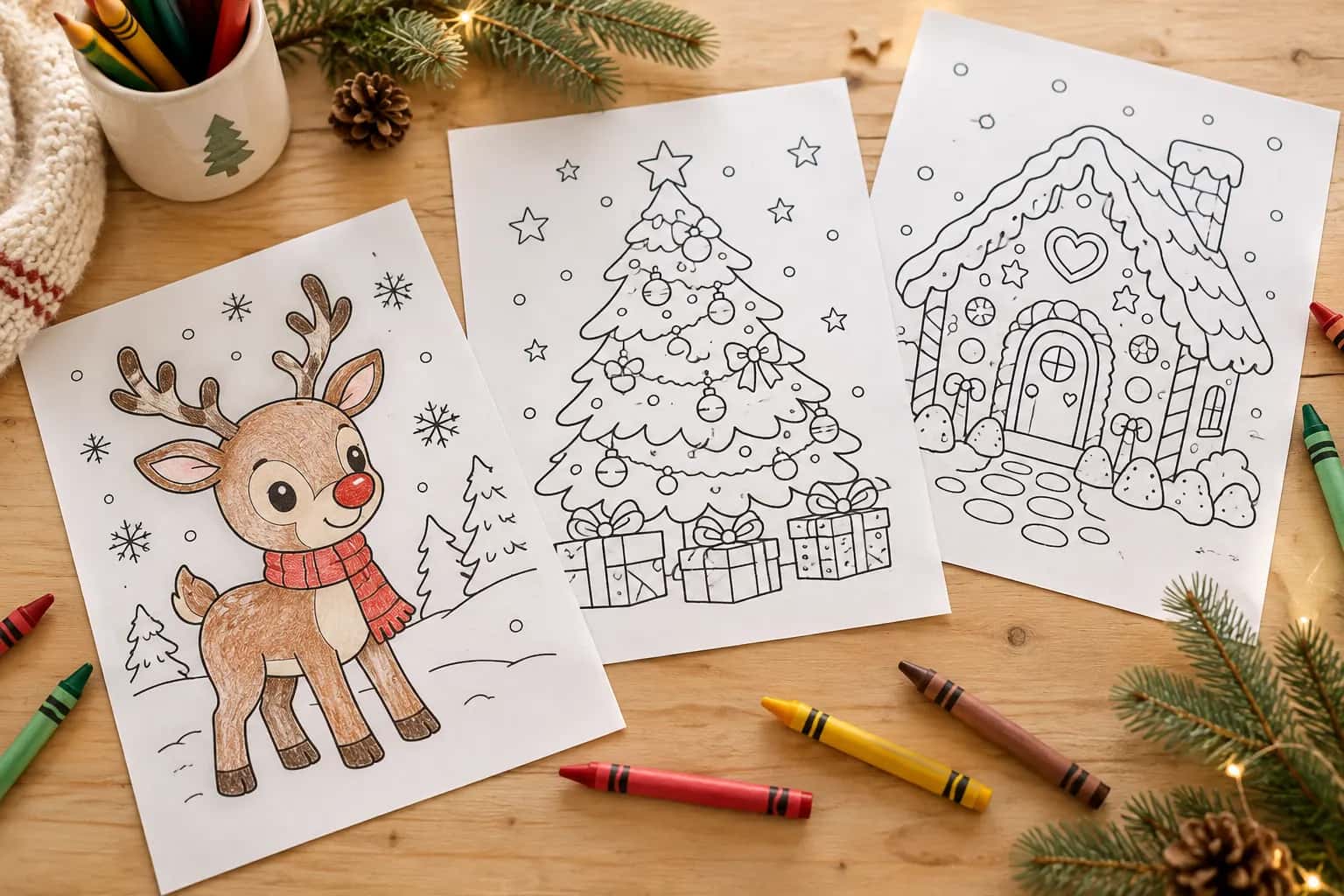
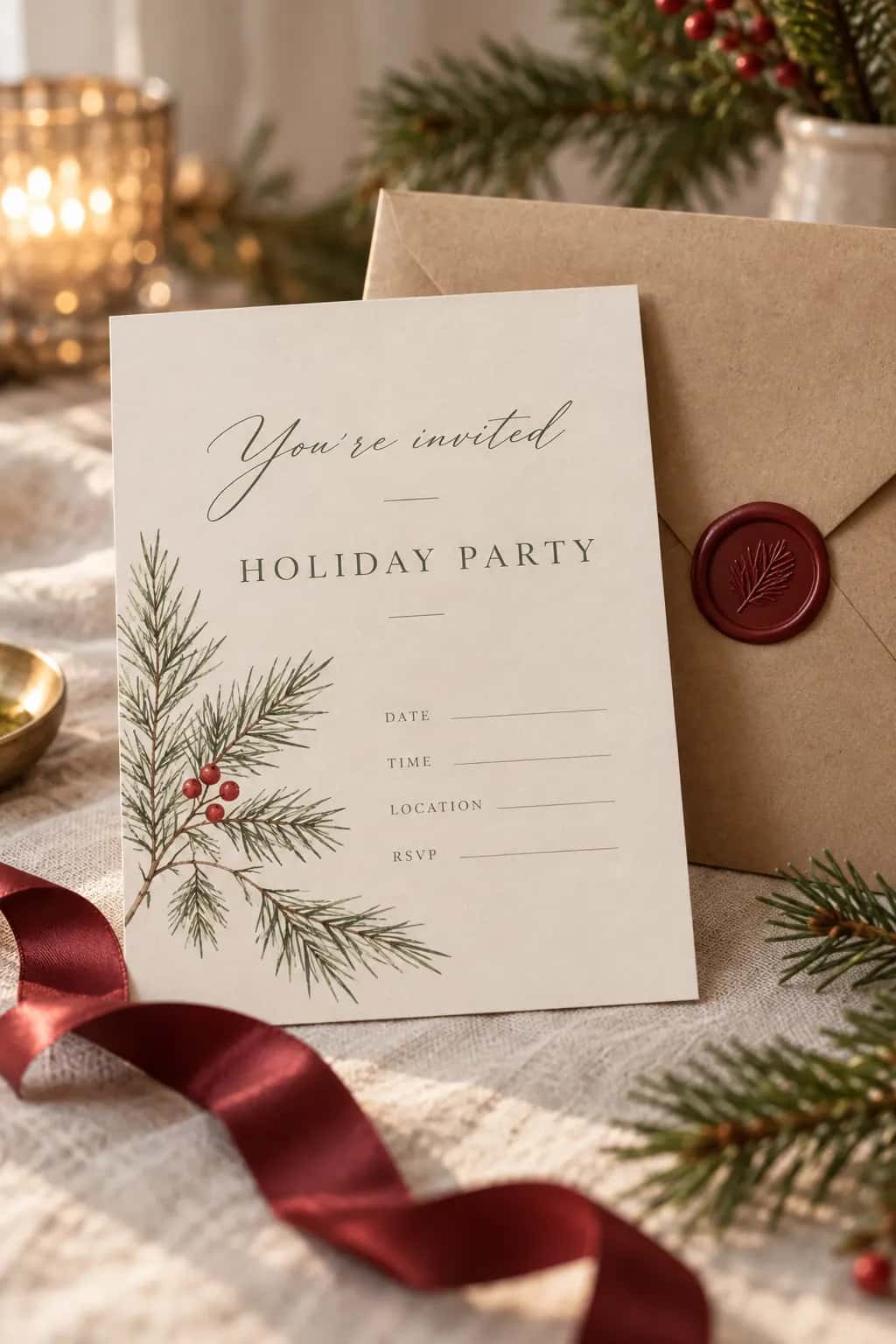
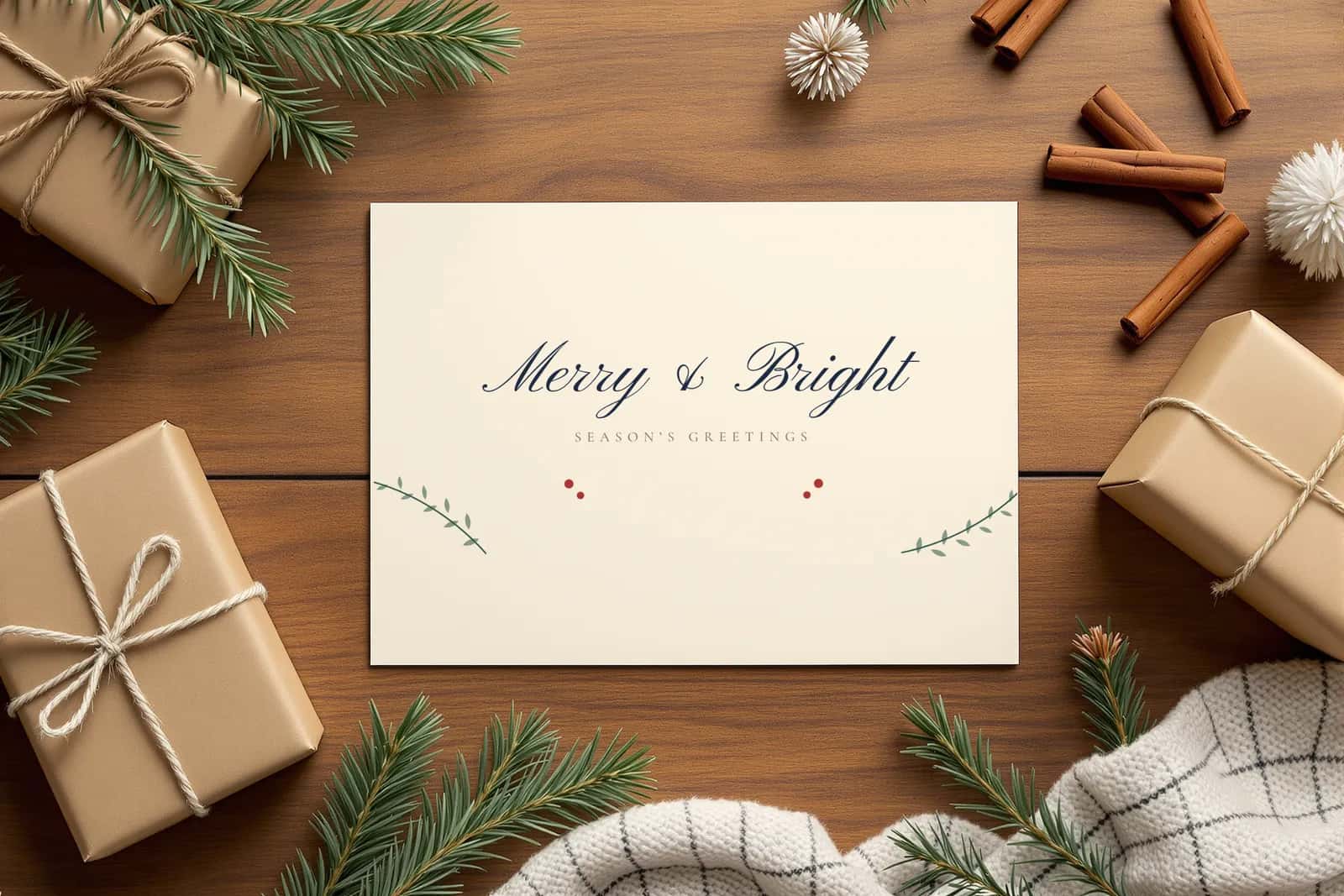
 Christmas cards
Pinterest pin
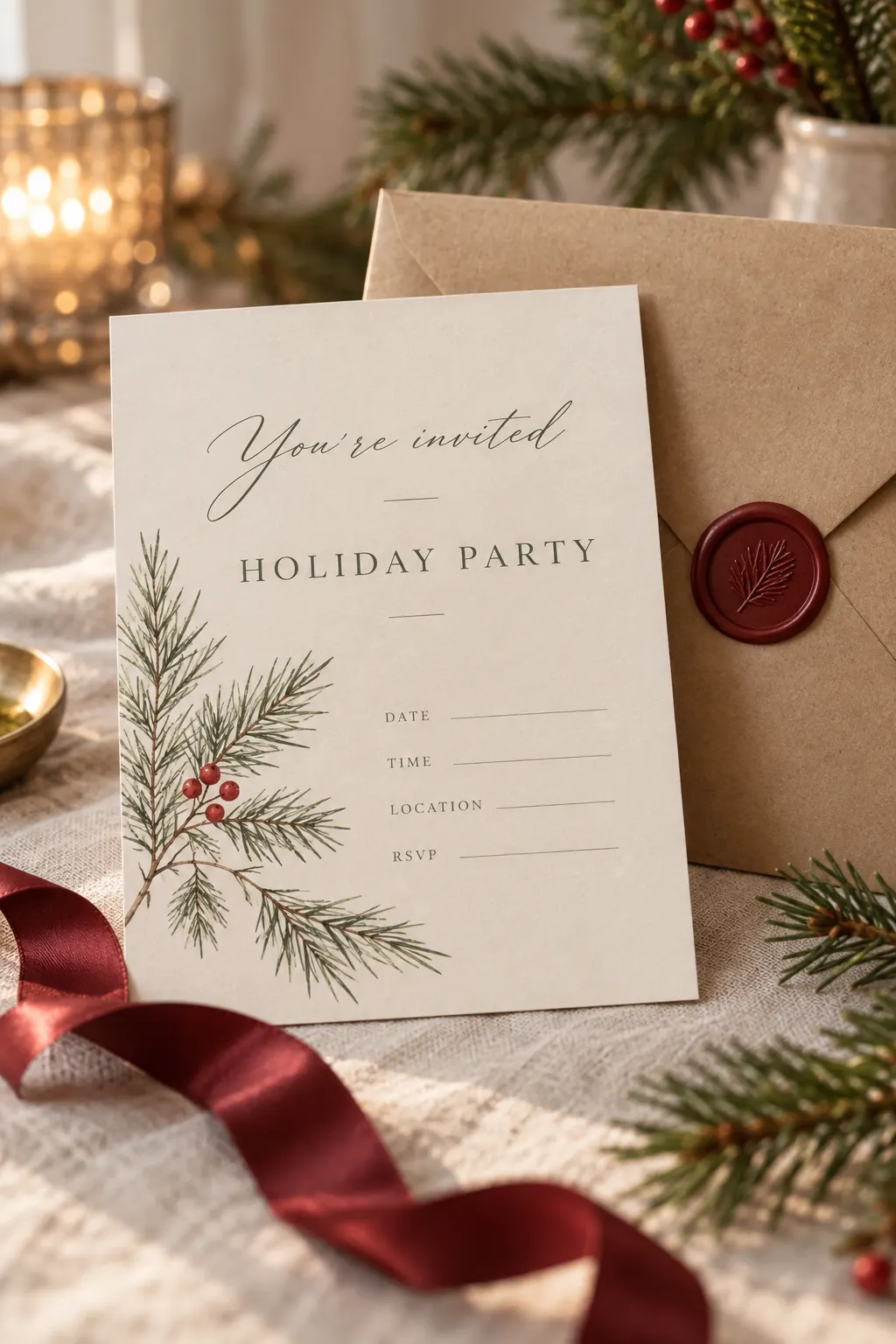
Minimal Printable Christmas Card
A clean 5x7 holiday card with soft neutrals, script lettering, and a deep red accent for families or small businesses.
Describe your printable once and get the title, all 13 tags, the description, FAQs and Pinterest copy.
3 free packs every month. No credit card. Or check your current tags, no signup
New listing pack
Brief
Wedding stationery, planners, nursery art, kids charts, holiday cards. Every niche has its own tag guide with a checked 13-tag example.
All printables shown are PrintFlow sample designs.
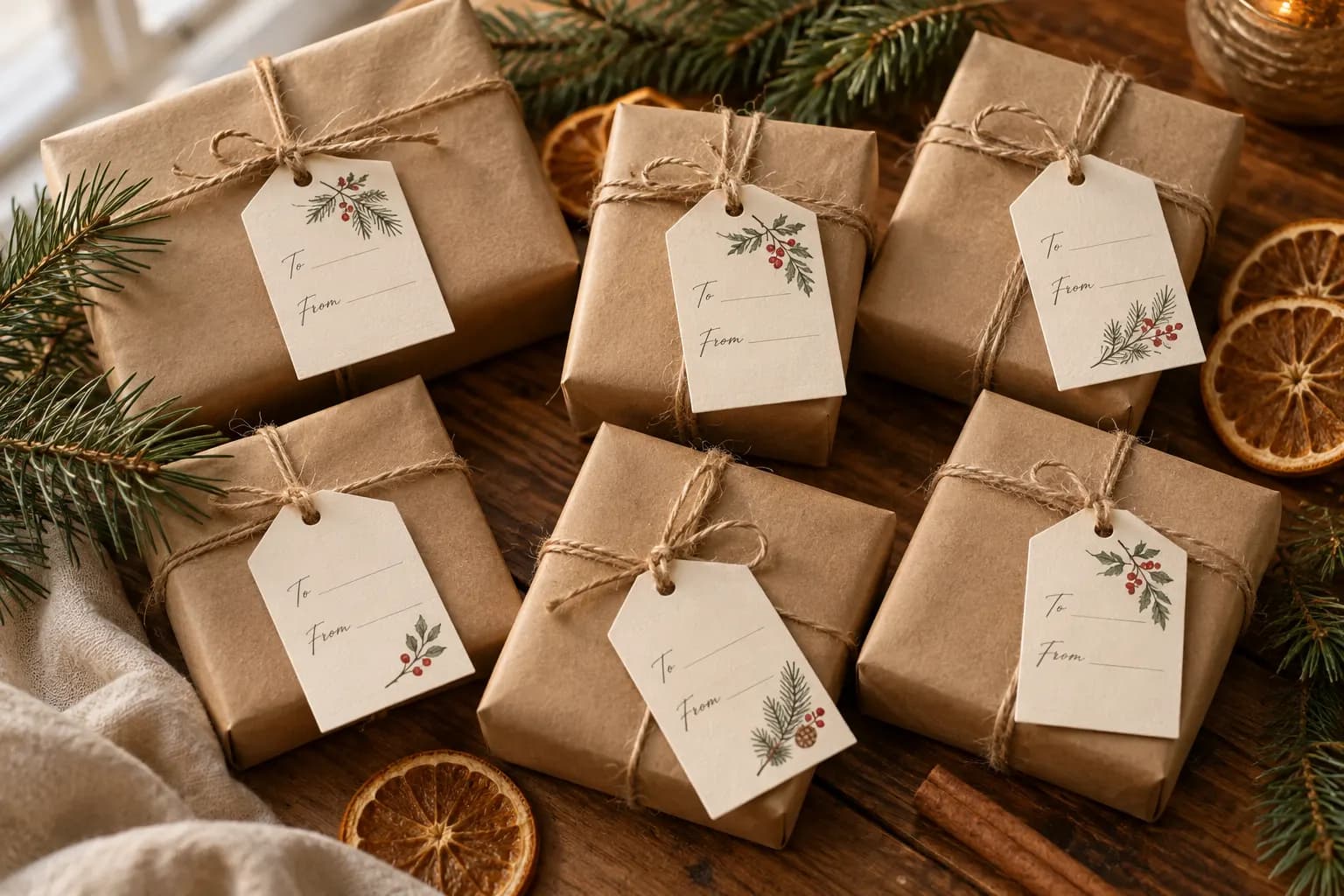
The same ten sections for Christmas cards, advent calendars or holiday planners. Three demo packs, three different parts of what you get.
Christmas cardsPinterest pin
Minimal Printable Christmas Card
A clean 5x7 holiday card with soft neutrals, script lettering, and a deep red accent for families or small businesses.
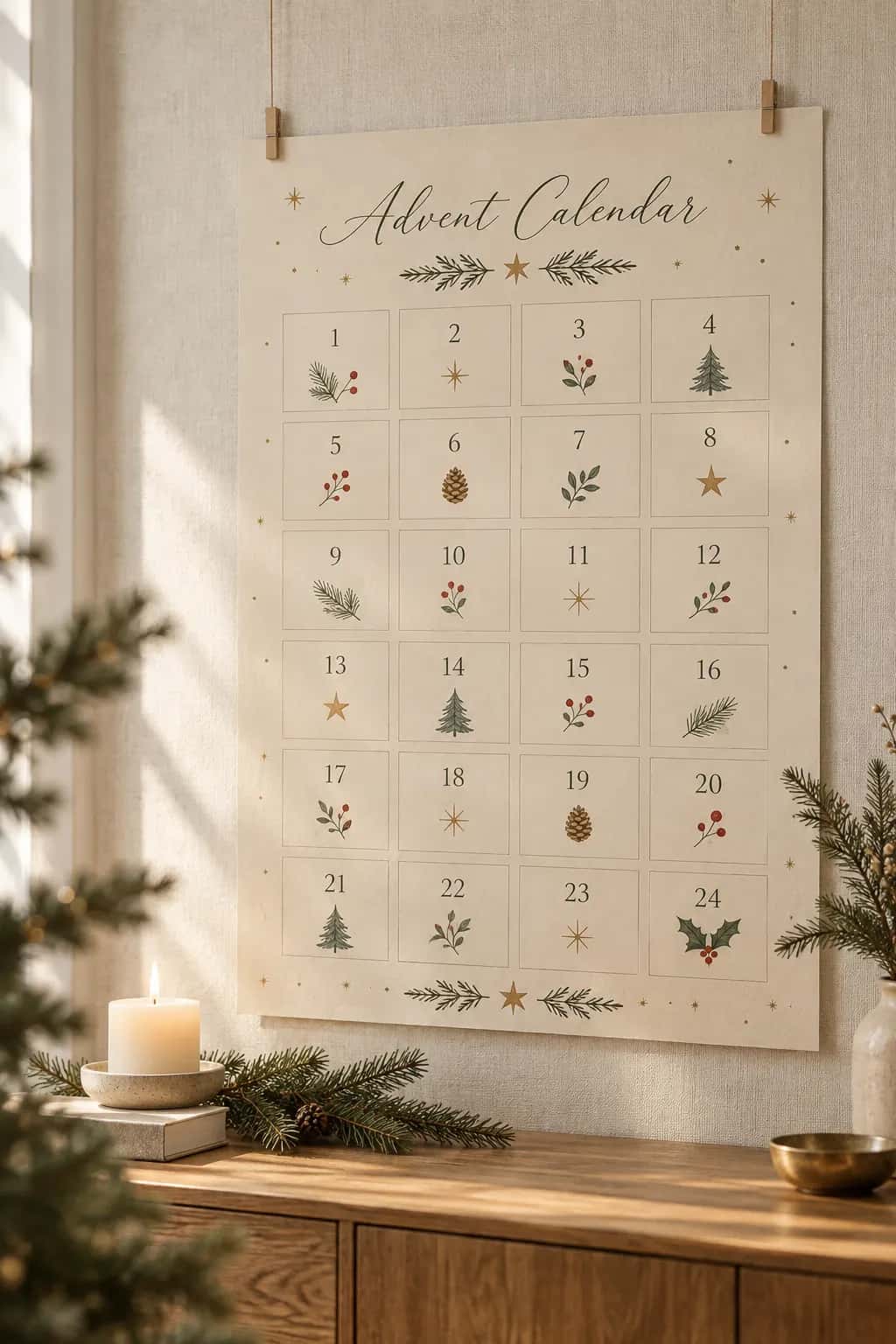 Kids advent calendar
Bundle ideas
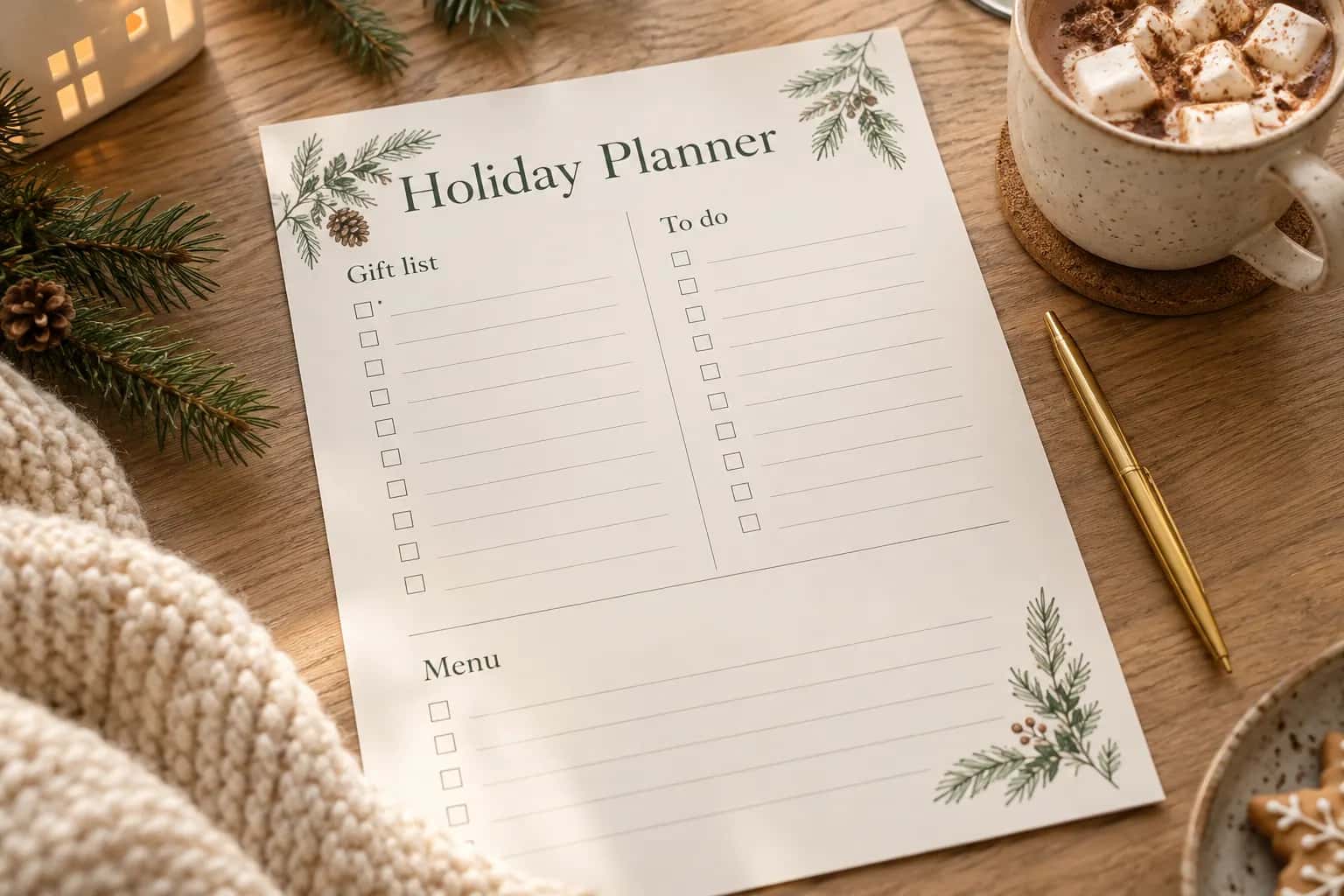 Holiday planners
Launch email
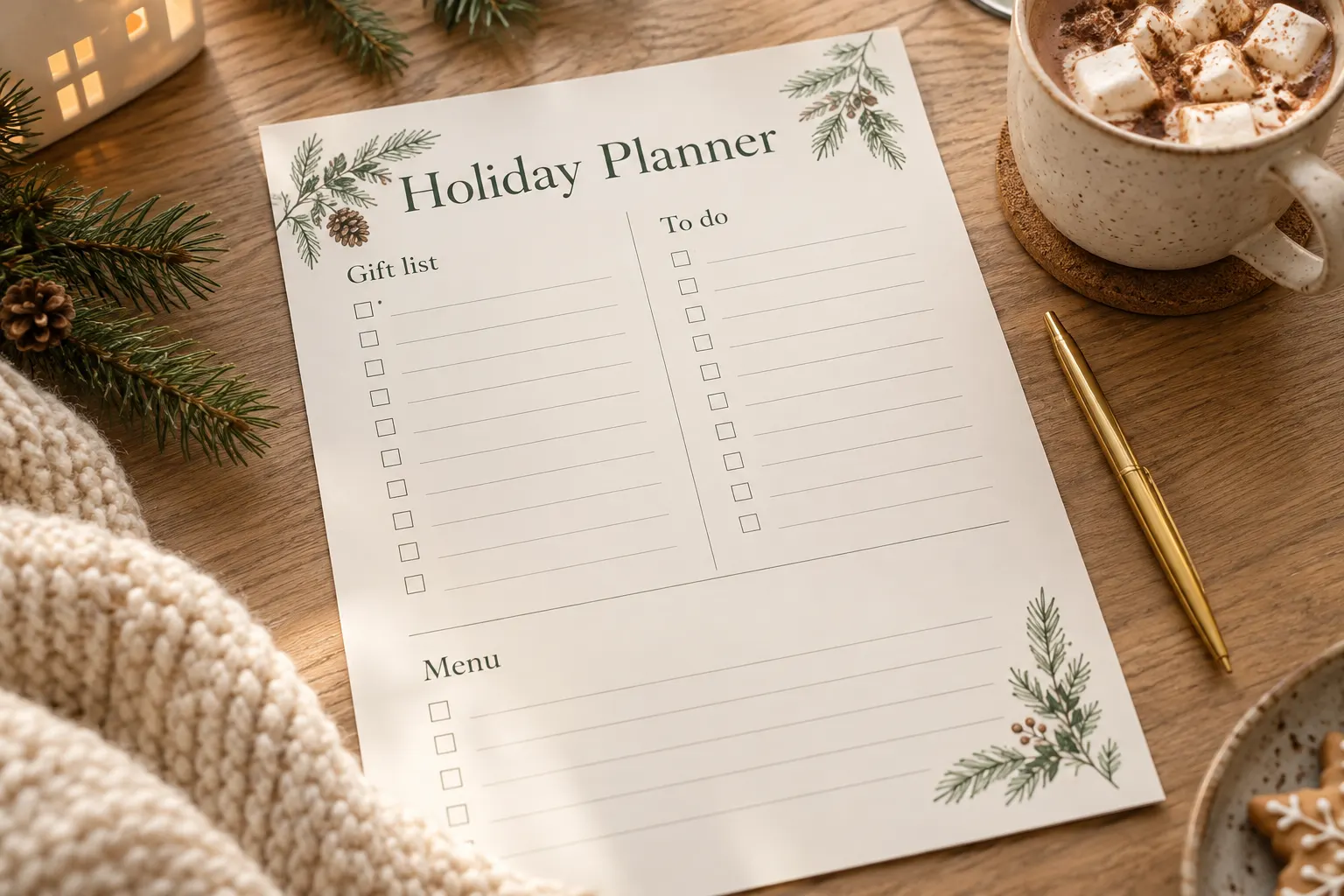
New holiday planner printable for gift lists, budgets and menus
I’ve just added a new printable holiday planner designed for busy parents and hosts managing gifts, budgets, menus and countdown tasks from November to New Year.
From the holiday demo packs, generated with PrintFlow AI. Read all 10 sections of each
Every run returns the same shape, so you always know where the tags are.
Niche, style, audience, language and product type in. Ten sections out, each in its own block with its own copy button.
Counted before you paste, not after Etsy rejects it.
Every tag 20 characters or fewer
On Pro and Scale, describe your tone once in Settings. Every pack uses it. You still review every word.
Copy on every plan. Files on Pro and Scale. Every pack stays in History.
Every pack, on every plan. Reuse a brief on Pro and Scale.
From brief to Etsy-ready copy in four steps. Every pack is saved in History.
Niche, style, audience, language and product type. The same fields you fill in inside the app.
One run returns all 10 sections: ideas, bundles, titles, 13 tags, description, FAQs, pins, mockup text, a launch email and seasonal angles.
Use section buttons or copy the full pack (plain text on Free; structured exports on Pro and Scale) before you paste into Etsy or your notes.
Every run saves to History automatically, on every plan. Reuse a saved brief in one tap on Pro and Scale to iterate without starting over.
A conservative look at one listing, from blank page to ready for Etsy.
One listing by hand
~60min
One listing with PrintFlow
~15min
By hand is the low end: a printable listing written from scratch often takes 1–3 hours. A pack usually takes under a minute to generate; brief and review times are our estimate, and every pack still needs your review before it goes on Etsy.
You save about
45min per listing
That is roughly 7.5 hours back for 10 new listings a month.
Free includes 3 packs each month. Pro adds up to 100 packs, all workflow modes, saved-brief reuse, brand voice and structured exports.
Validate your next listing
/ month
Every pack includes
Recommended for most shops
Run your listing workflow
/ first month (−50% 1st month)
Holiday Listing Sprint, for new subscribers until Nov 10. Then €8.99 / month. Cancel anytime.
Volume shops & product families
/ first month (−50% 1st month)
Holiday Listing Sprint, for new subscribers until Nov 10. Then €24.99 / month. Cancel anytime.
| Feature | Free | Pro | Scale |
|---|---|---|---|
| Listing packs per month | 3 | 100 | 400 |
| Title, 13 tags, description, FAQ, Pinterest pins | |||
| Create new listing | |||
| Improve existing listing | |||
| Bundle, Seasonal and Pinterest launch modes | |||
| Reuse a saved brief | |||
| Listing notes (delivery, license, refund) | |||
| Brand voice and brief defaults | |||
| Copy any section or the full pack | |||
| Markdown, TXT and JSON export | |||
| Bulk batches and multi-shop controls | Soon |
PrintFlow is built by Ben, a solo founder in Vienna. Questions before you start? Write to support and you get an answer from me. About PrintFlow
Something else? Write to support. I answer myself.
Free guides for each part of an Etsy listing for printables. They work with or without PrintFlow AI.
Titles
Put the main search phrase first, where Etsy search still shows it, and keep the title readable. Etsy suggests fewer than 15 words.
Tags
Fill all 13 tags of up to 20 characters with phrases buyers actually type, from six different search angles.
Description
Say what the product is and who it is for in the first two sentences, then what is included and how to print it.
Digital downloads
What buyers need to know about files, sizes, instant delivery, printing and licensing before they buy.
3 free packs every month, no credit card. Compare the result with your current listing and keep what works.
Necessary cookies keep PrintFlow working. With your consent we also use optional analytics (PostHog incl. heatmaps and masked session recordings, Vercel Web Analytics & Speed Insights) to see how the product is used and keep it fast. You can change this anytime under Cookie settings. Privacy policy.